
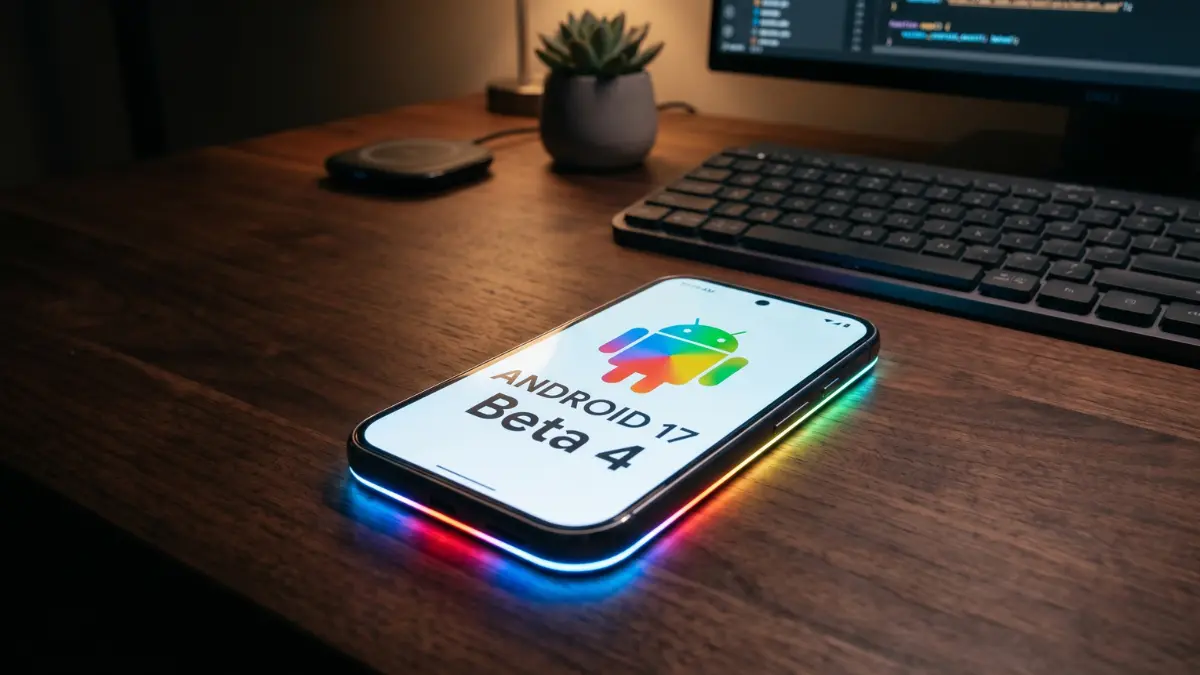
Android 17 Beta 4: Google is locking things down. From aggressive battery-saving tweaks to a very intriguing “Pixel Glow” leak, here is everything you need to know about the final Android 17 beta.
At a Glance:
- What it is: The fourth and final scheduled beta for Android 17.
- Biggest changes: Strict new memory limits for background apps (hello, better battery life), subtle UI polishing, and hidden code pointing to new hardware.
- Who can get it: Anyone with a Pixel 6 series device or newer.
It’s that time of year again. We are officially in the home stretch of the Android 17 release cycle. Google has just pushed Android 17 Beta 4 to eligible Pixel devices, marking the final major milestone before the operating system rolls out to the general public later this year.
If you were hoping for a massive visual overhaul in this update, you might be a little disappointed. At this stage, Google has reached “platform stability.” That means the foundation is laid, the APIs are finalized, and the developers are purely focused on squashing bugs and tightening up the code.
Also Read: The End of “Lite”: Why Microsoft is Pulling the Plug on its Leanest Android App
But don’t let the lack of flashy new widgets fool you. Beta 4 brings some incredibly important quality-of-life improvements that you are actually going to feel when you use your phone every day. Let’s dive into what makes this update tick.
Under the Hood: A Lifeline for Your Battery
We have all been there—you haven’t even touched your phone, but some rogue app running in the background has quietly chewed through 15% of your battery. Google is finally putting its foot down.
The most impactful change in Beta 4 is the introduction of strict App Memory Limits. Android 17 will now actively restrict how much RAM a background application is allowed to hoard. Instead of letting apps run wild, the system forcefully manages memory allocation based on what your phone actually needs at the moment. The result? A much smoother interface, fewer random stutters, and a noticeable boost to standby battery life.
The Fun Stuff: UI Tweaks and the “Pixel Glow” Leak
While the major design work was finished in earlier betas, Google is still bringing a bit of polish to the user interface.
If you clear out your notification shade, you’ll notice the old, robotic “No notifications” text is gone. It’s been replaced with a much warmer “You’re all caught up.” It’s a small, friendly touch that borrows directly from the design language of the Pixel Watch.
But the real juicy stuff is hidden deep within the software’s code. Developers poking around Beta 4 have uncovered references to a new hardware feature internally called “Pixel Glow.” What is it? Code snippets suggest it’s a dedicated RGB lighting system—likely slated for the upcoming Pixel 11 series. It looks like the phone will be able to light up dynamically to give you visual cues. Imagine your phone sitting face-down on your desk, softly glowing a specific color when your partner calls, or pulsing with light when you are talking to the Gemini AI assistant. It’s a fascinating glimpse into Google’s future hardware plans.
For the Geeks: Security and Developer Upgrades
For the developers out there, the API surface is officially locked in. Google has also hardened up security and usability in a few key areas:
- No More Rogue Audio: Background audio has been strictly regulated. Apps can no longer hijack your speakers with auto-playing media while they are sitting in the background.
- Safer Code Loading: Google is closing a few security loopholes by mandating read-only access for certain native dynamic code libraries.
- Mandatory Resizing: Developers can no longer opt out of making their apps resizable. This is a massive win for anyone using a Pixel Fold or a Pixel Tablet, as it forces developers to make sure their apps look good on large screens, regardless of orientation.
Will It Run on My Pixel?
Google’s track record for supporting older hardware remains incredibly strong. If you’ve bought a Pixel in the last few years, you are almost certainly covered. Here is the official compatibility list:
- Pixel 6 Family: 6, 6 Pro, 6a
- Pixel 7 Family: 7, 7 Pro, 7a
- Pixel 8 Family: 8, 8 Pro, 8a
- Pixel 9 Family: 9, 9 Pro, 9 Pro XL, 9 Pro Fold, 9a
- Pixel 10 Family: 10, 10 Pro, 10 Pro XL, 10 Pro Fold
- Large Screens: Pixel Tablet, original Pixel Fold
The Final Verdict: Should You Hit Download?
If you want to jump in, you can head over to the Android Beta Program portal to enroll your device and grab the Over-The-Air (OTA) update.
Should you do it? Honestly, yes—with one small caveat. Because this is the final beta, it is remarkably stable. It fixes dozens of annoying bugs from Beta 3, including those pesky Wi-Fi drops and occasional UI freezes. For most people, it is perfectly safe for daily use.
However, if your Pixel is your only lifeline for work, travel, or emergencies, it is always wise to wait for the official, stable release dropping in the coming months. Better safe than sorry!