
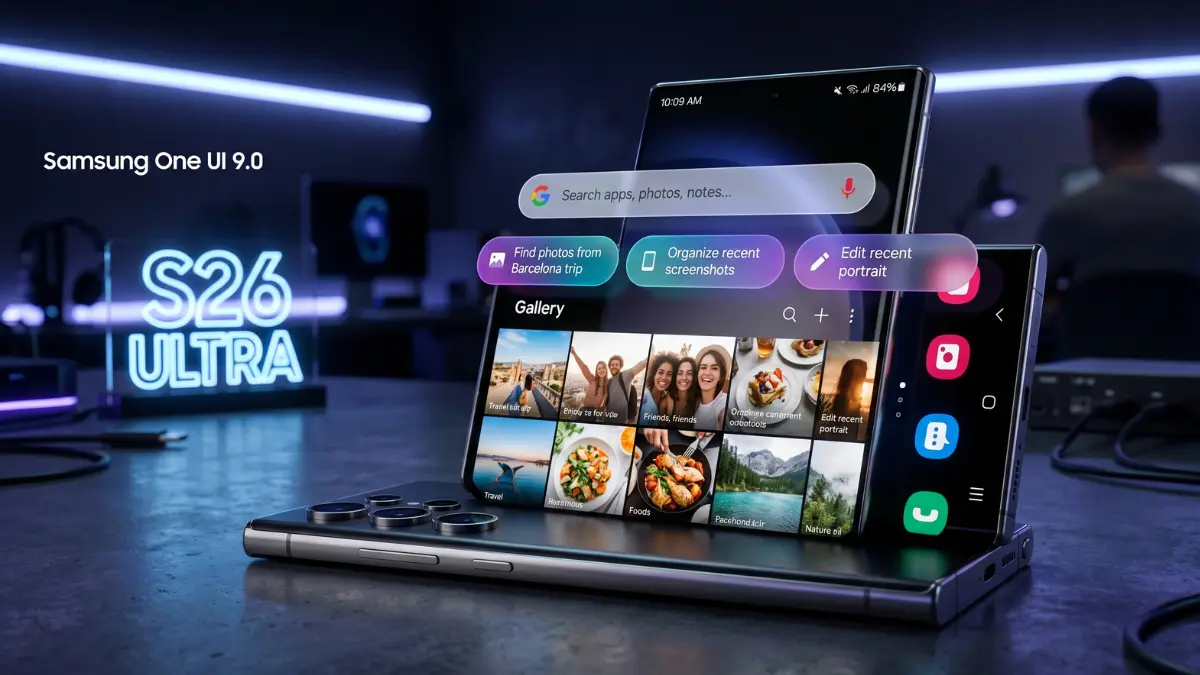
One ui 9 Galaxy S26: Samsung’s software evolution has always been a balancing act between feature-rich utility and aesthetic elegance. With the latest leaks surrounding One UI 9 (Android 17), it appears the South Korean giant is leaning heavily into the latter.
While One UI 8 focused on the “AI Era,” One UI 9 seems destined to be the “Polished Era.” Recent leaks have pulled back the curtain on a series of UI refinements that suggest Samsung is finally prioritizing “micro-delight”—those small, fluid animations that make a smartphone feel truly premium.
One UI 9 Galaxy S26
The “Elastic” Search Bar: More Than Just Eye Candy
Perhaps the most visually striking change in the leaked builds is the overhaul of the Settings search bar. For years, Android search bars have been functional but static. One UI 9 introduces what insiders are calling an “Elastic Interface.”
When you tap the search icon or scroll through menus, the bar doesn’t just appear; it expands with a physics-based “bounce.” This shift toward fluid animations brings Samsung closer to the smooth, organic feel of iOS while maintaining the deep customization Android users love. It’s a subtle change, but one that significantly reduces the “clunky” feeling often associated with heavy Android skins.
Streamlined “About Phone” Architecture
One of the most cluttered areas of the current One UI experience is the “About Phone” section. In One UI 9, Samsung is reportedly going on a “data diet.”
The current layout, which features a large, somewhat distracting device graphic, is being replaced. The new design moves a smaller, high-resolution device icon to the top-left, allowing vital information like the Model Number and Serial Number to sit neatly beside it. This “Information-at-a-Glance” philosophy is expected to roll out across other system menus, prioritizing white space and readability over dense text blocks.
Contextual AI: The “Pill” Revolution in Photo Editing
Samsung is moving Galaxy AI from a standalone feature into a seamless background assistant. Within the Gallery app, One UI 9 introduces Smart Suggestion Pills.
Instead of forcing users to dig through a “More” menu to find “Object Eraser” or “Remaster,” the software now analyzes the specific photo you are viewing. If the AI detects a shadow on a face or a reflection in a window, a small, pill-shaped button will appear at the top of the editing tray. It’s a “pro-grade” edit offered with a single tap, effectively lowering the barrier to entry for high-quality mobile photography.
The Human Element: Why This Update Feels Different
If these leaks hold true, Samsung is finally listening to a long-standing user complaint: consistency. Previous versions of One UI often felt like a collection of great ideas that didn’t always talk to each other. One UI 9 feels cohesive. By focusing on the “tension” of animations and the “hierarchy” of text, Samsung is moving away from being a “hardware company that makes software” to a “user-experience first” brand. It’s a shift from what the phone can do to how it feels while doing it.
Also Read: Samsung Galaxy S25 Ultra Gets ₹20,000 Price Cut: Premium Flagship Now Within Reach
Editorial Value-Add: What This Means for Your Current Galaxy
While we await the official Beta program (expected in early Summer 2026), here is what current Galaxy owners should know:
- Longevity is Key: These UI changes are designed to look best on high-refresh-rate (120Hz) screens. If you are using an older S-series device, the “elastic” animations will likely be the most noticeable “speed” upgrade you’ve ever received.
- The Power of AI: The new “Smart Suggestion” feature will likely be a flagship exclusive (S25 and S26 series) at launch due to the NPU processing power required to analyze images in real-time.
- Preparation: Now is a great time to back up your Gallery to OneDrive or Google Photos. Major UI overhauls often come with significant file-system optimizations.