
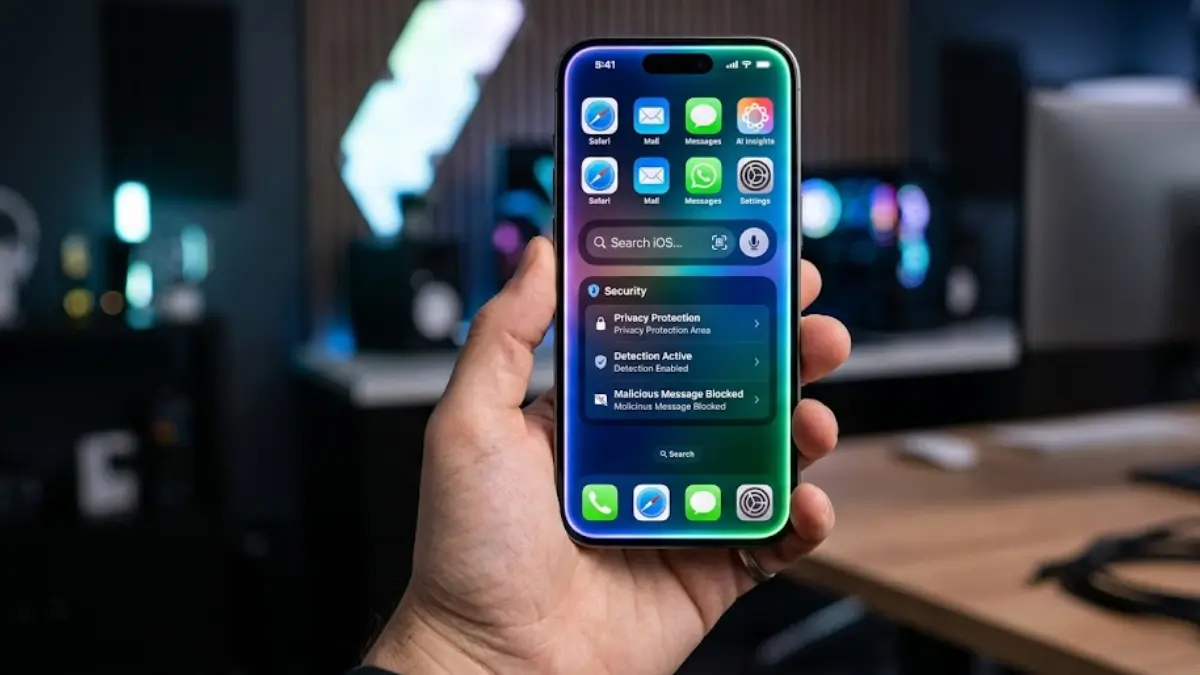
Apple has officially rolled out iOS 26.6 to iPhone users worldwide after over a month of beta testing. While this release comes towards the tail end of the software cycle, it delivers vital groundwork for upcoming hardware and software changes, alongside useful security and utility tools for everyday users.
Key Highlights of the iOS 26.6 Update
- Preemptive Spotlight Indexing: Optimizes system-wide search data to prepare your device for next-generation Siri AI features.
- Malicious Message Detection: Automatically flags potential security threats in incoming messages and lets users report them directly to Apple.
- Blocked Contacts Cap Alert: Warns users when they approach the system limit of 20,000 blocked numbers.
Preparing Your iPhone for the All-New Siri AI
The core purpose of iOS 26.6 is seamless preparation. Apple’s official release notes confirm that this software “optimizes the Spotlight index to prepare for iOS 27.”
By cataloging user data — including messages, notes, emails, phone logs, and reminders — ahead of time, Apple aims to eliminate post-update slowdowns when users transition to future major operating systems.
Hardware Requirement Note: While indexing takes place across compatible models, full capabilities tied to Apple Intelligence require an iPhone 15 Pro or newer equipped with at least 8 GB of RAM for local processing.
Because background indexing can take hours or even days depending on storage size, getting this process out of the way now ensures that users won’t experience lag or delay once next-generation Siri AI capabilities go live.
Advanced Security: Malicious Message Warnings
In response to increasing phishing and message-based security exploits, iOS 26.6 introduces an automated detection and reporting tool for Messages.
If an incoming message contains suspicious code, harmful links, or potential privacy threats:
- The system alerts you directly within the chat interface.
- An option is provided to safely forward the report to Apple’s security research team to help protect other users across the ecosystem.
Blocked Contact Management & Cap Alerts
For power users who frequently block spam calls and marketing texts, iOS 26.6 adds an alert system for blocked list management.
iPhones maintain a maximum system limit of 20,000 blocked contacts per device. iOS 26.6 now notifies you when you are close to hitting this ceiling and offers automated cleanup options to clear out outdated or redundant entries.
Additional Bug Fixes & Ecosystem Updates
Beyond the core headline features, iOS 26.6 addresses several persistent system bugs:
| Area | Fix / Improvement |
| Messages | Resolved issue causing HDR screenshots to appear garbled or distorted |
| iCloud Sync | Fixed sticker corruption when syncing across multiple devices |
| HealthKit | Improved blood pressure identifier authorization tools |
| Under-the-Hood | Code hints reveal early work on anti-theft snatch detection for upcoming updates |
Alongside iOS 26.6, Apple has also released corresponding software updates across its platform lineup: iPadOS 26.6, macOS 26.6, watchOS 26.6, visionOS 26.6, and tvOS 26.6.
How to Update
To install the update, navigate on your iPhone to Settings > General > Software Update, tap Download and Install, and ensure your device is connected to Wi-Fi and charged above 50%.