
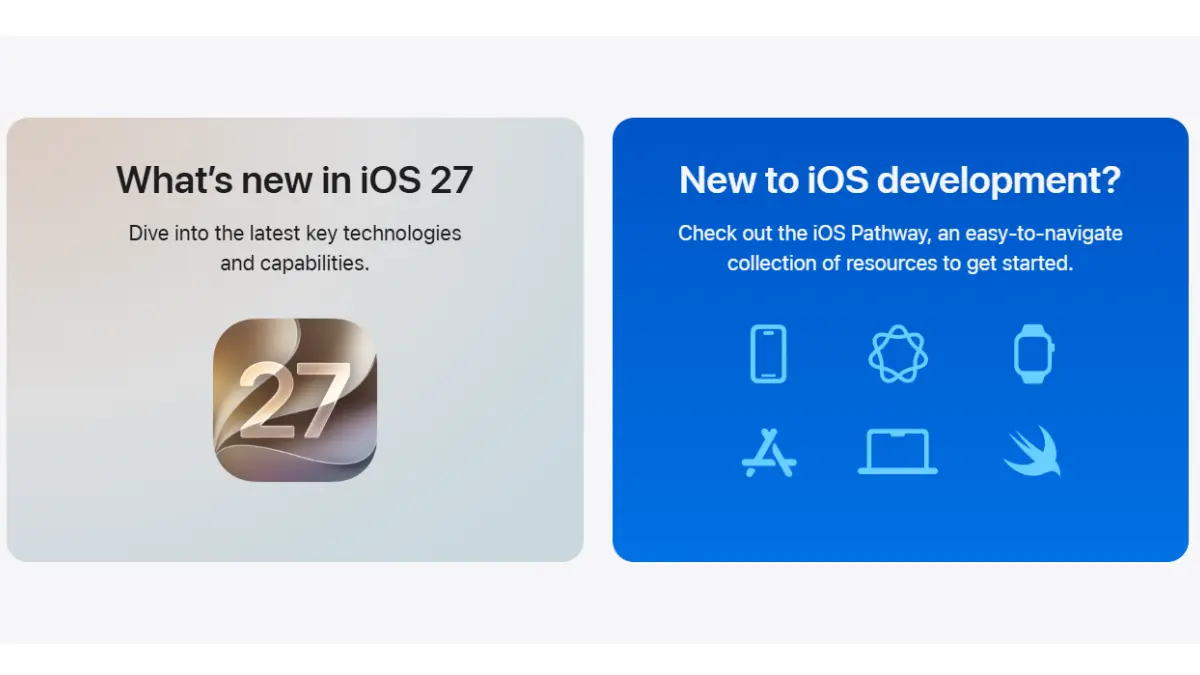
iOS 27 Release Date: Apple kicked off its annual Worldwide Developers Conference (WWDC) with a bang, officially giving us our first look at iOS 27. While the final version won’t hit regular iPhones until later this year, Apple surprised everyone by releasing the very first developer beta immediately after the keynote.
If you’re eager to get your hands on the new AI-powered Siri features or the fresh “Liquid Glass” look, you actually don’t have to wait. Apple has made the developer beta completely free to download.
Here is everything you need to know about the rollout timeline, which iPhones will actually work with the update, and exactly how to install it right now.
The iOS 27 Release Date Roadmap
Apple is sticking to its familiar summer testing routine. If you want to try the new software early, you have a couple of options depending on how much risk you’re willing to take:
- iOS 27 Developer Beta (Available Right Now): This was released directly to the public on June 8. It’s meant for developers to test their apps, meaning it’s the rawest, buggiest version of the software.
- iOS 27 Public Beta (Coming Late June / July): If you can wait a few weeks, Apple will launch a more polished version for the general public. It’s still a beta, but many of the initial major bugs will be ironed out.
- The Final Stable Launch (September 2026): This is the official, finished release that will land on everyone’s phones in the autumn, alongside the launch of the new iPhone lineup.
Will iOS 27 Work on Your iPhone?
There was a lot of worry in the tech community that older devices would get dropped this year. Luckily, Apple confirmed that the iPhone 11 series is safe for another year.
Here is the complete official compatibility list:
- iPhone 15, 15 Plus, 15 Pro, and 15 Pro Max
- iPhone 14, 14 Plus, 14 Pro, and 14 Pro Max
- iPhone 13, 13 mini, 13 Pro, and 13 Pro Max
- iPhone 12, 12 mini, 12 Pro, and 12 Pro Max
- iPhone 11, 11 Pro, and 11 Pro Max
- iPhone SE (2nd generation or later)
How to Install the iOS 27 Beta Developer Right Now
In the past, Apple forced people to pay a $99 yearly developer fee to get access to these early builds. Thankfully, that’s no longer the case. Anyone with a normal, free Apple ID can sign up.
⚠️ A Quick Warning Before You Start: This is early beta software. It will have bugs, your battery life will likely take a temporary hit, and some of your everyday banking or work apps might crash. We strongly recommend not installing this on your primary “daily driver” iPhone.
1.Sign up for free developer access:Step 1.
Open your iPhone’s web browser and go to the official Apple Developer Program website. Log in using the exact same Apple ID you use on your phone. Agree to the basic terms and conditions. Once you see the dashboard screen, your account is officially flagged as a developer account—no payment required.
2.Back up your phone entirely:Step 2.
Do not skip this. Connect your iPhone to Wi-Fi, head to Settings > [Your Name] > iCloud > iCloud Backup, and tap Back Up Now. If something goes wrong during the update, this backup is your only safety net to get your data back.
3.Head to your update settings:Step 3.
Once the backup is complete, open your iPhone’s Settings app, scroll down and tap General, then tap Software Update.
4.Turn on the beta switch:Step 4.
You will see a menu option called Beta Updates. Tap it, and select iOS 27 Developer Beta from the list. If you don’t see it, close the settings app and try again; it can take a few minutes for your newly registered Apple ID to sync.
5.Download and install:Step 5.
Go back one screen to the main Software Update page. The iOS 27 Developer Beta card should now be waiting for you. Tap Download and Install, type in your phone’s passcode, and let the system do its thing. Your phone will restart automatically when it’s done.
Final Thoughts
If you have a spare iPhone lying around, downloading the beta is a fun way to peek into the future of Apple Intelligence. But if you rely on your phone for school, work, or daily life, your best bet is to wait for the Public Beta in July. It will give you a taste of the new features without the headache of constant software glitches.