


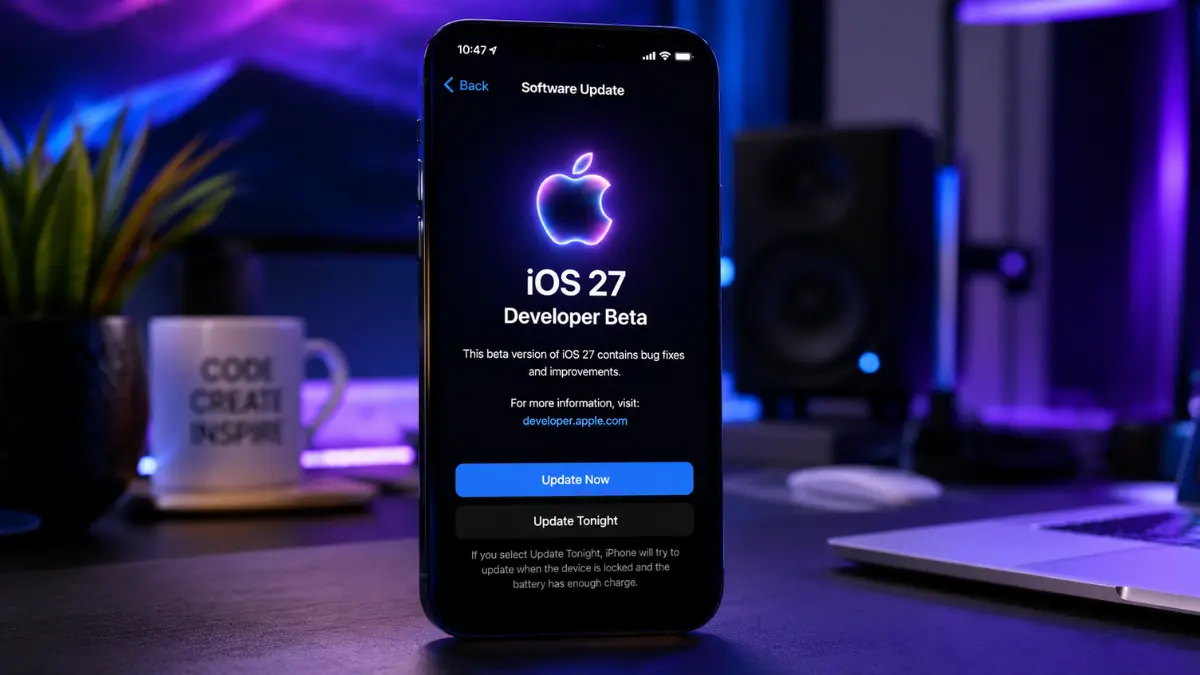


Apple iOS 27 Beta: While flashier updates take the spotlight, these four quiet, highly useful improvements completely change how your iPhone feels to use every day.
Apple iOS 27 Beta
Every year when Apple drops its latest software beta, the internet loses its mind over the flashiest announcements. Whether it is a dramatic visual design or a massive AI assistant upgrade, that is what grabs the headlines. But if you actually install the software and live with it, you quickly realize something: the best updates are usually the quiet ones.
After spending a solid week using the first developer build of iOS 27, I can confidently say that the real magic isn’t in the grand promises. Instead, Apple has gone under the hood to fix the tiny, everyday frustrations that have annoyed iPhone users for years.
If you are running the software on a newer device like the iPhone 17 Pro or the sleek new iPhone Air, these four incredibly useful, overlooked features are going to completely reshape your daily routine.
1.Safari “Notify Me”: A Smarter Way to Track the Web
We have all been there—waiting for a pair of sneakers to restock, watching for a sudden price drop on an online store, or tracking flight prices for a holiday. Until now, keeping tabs on a live webpage meant downloading sketchy, third-party browser extensions or constantly hitting the refresh button like a maniac.
Apple’s new built-in Safari feature, Notify Me, completely changes the game.
Right from the Safari address bar, you can now tell your iPhone to watch any specific part of a website. When something shifts—like an “Out of Stock” button turning into “Add to Cart”—you get a clean, system-level notification. Because this runs securely in the background and syncs seamlessly across your Mac, iPad, and iPhone via iCloud, you don’t have to surrender your privacy or compromise your battery health to an unknown third-party tracking app.
2. Full-Resolution Video Frame Grabs (No More Screenshots)
If you ever try to capture a specific moment out of a video, you know exactly how annoying the traditional workaround is. You try to pause the video at just the right millisecond, take a screenshot, and then manually crop out the video player buttons and the time slider. Even worse, your final image is stuck at a lower screenshot quality.
Open Video ➔ Tap Three-Dot Menu ➔ Choose ‘Save Frame as Photo’ ➔ Pure, Uncropped Image
Apple iOS 27 beta introduces a wonderfully simple fix. When you are watching a video back in your camera roll, you can now simply tap the three-dot menu in the corner and select “Save Video Frame as Photo.” The system cleanly pulls the exact frame you want and drops it straight into your library as a standalone, pristine photo. No UI elements, no awkward cropping, and no quality loss.
3. A Massive Upgrade for Fast Pasting
Moving text or images between apps on a touch screen has always felt a little clunky. On an iPhone, pasting something usually involves a slow dance: you tap the text field, hold down your finger, wait for the tiny magnifying glass to disappear, and then hit the paste pop-up.
Android users have had convenient clipboard shortcuts on their keyboards for years, and Apple is finally giving iPhone users an even cleaner version.
The moment you copy a snippet of text or take a fresh screenshot, a dynamic paste shortcut instantly appears on top of your keyboard’s suggestion bar. If you open up a messaging app or a quick note, your copied text or photo is right there waiting for you. One single tap, and you are done. It completely eliminates the old “tap-and-hold” ritual.
4. Dictation That Actually Learns How You Speak
Voice-to-text on smartphones has historically been a hit-or-miss experience. Most of us stop using it because correcting the mistakes takes longer than just typing the message out by hand.
To fix this, Apple swapped out its aging voice-recognition engine for a sophisticated, on-device Large Language Model (LLM).
Hardware Check: Because this advanced AI engine runs entirely on your device for absolute privacy, it requires heavy processing power. You will need an iPhone 17 Pro or an iPhone Air to experience it.
Testing it out feels like a massive leap forward. The dictation engine is incredibly fast and incredibly smart. It listens to the rhythm of your voice to naturally insert commas, periods, and question marks without you having to say them out loud. Even better, its ability to pick up regional speech patterns—including various Indian English accents—is remarkably accurate. Spoken words hit the screen almost instantly, without that annoying lag where the phone has to send your voice data to a server to think about it.
The Verdict: It’s the Little Things That Count
The real triumph of iOS 27 isn’t that it tries to turn your phone into a futuristic sci-fi robot. It’s that it makes your phone a significantly better phone. By smoothing out the tiny, rough edges of browsing, typing, and capturing media, Apple has delivered an update that makes your most frequent daily tasks feel completely effortless.
The iOS 27 developer beta is out now, with a free public beta expected in the summer and a full consumer release coming this autumn for the iPhone 11 and newer models.