
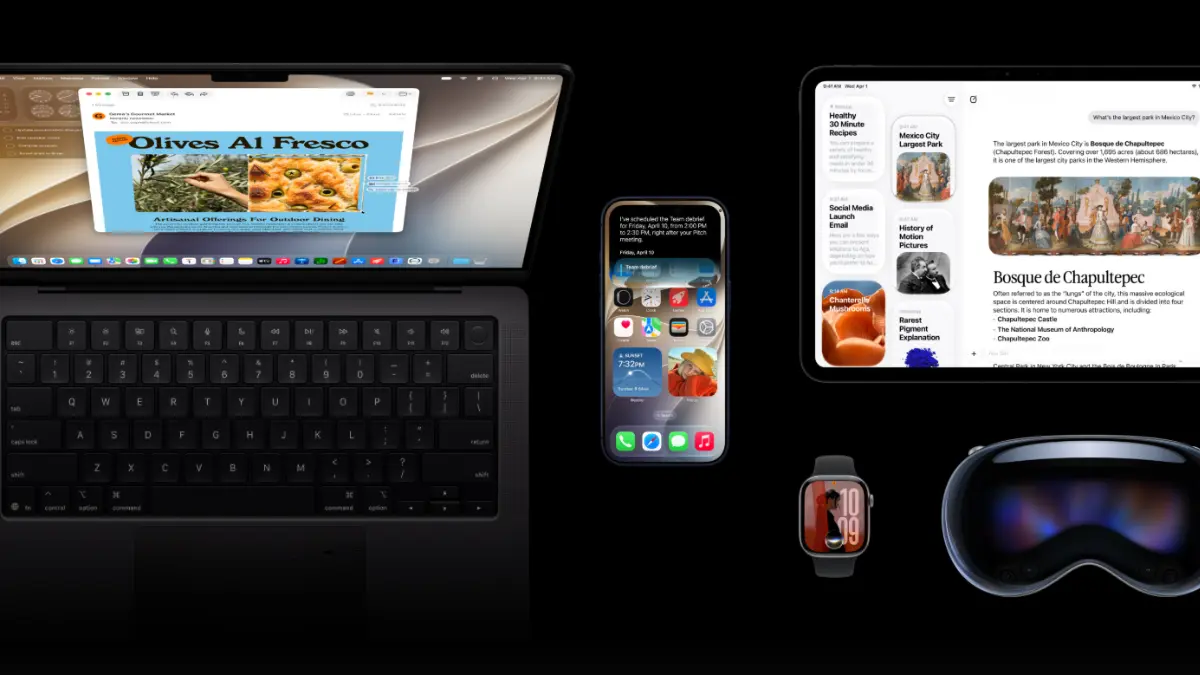
Apple has officially seeded iOS 27 Developer Beta 4 (Build 23G71) to registered developers. Following the major unveiling of iOS 27 at WWDC and a public beta release last week, this latest build brings key visual polish, bug fixes, smart media streaming features, and subtle clues about Apple’s upcoming hardware roadmap.
While iOS 27 centers heavily around Apple Intelligence, Siri AI upgrades, and UI refinements, Beta 4 focuses on tightening the user experience while adding practical quality-of-life additions.
At a Glance: What’s New in Beta 4
| Feature Category | Key Enhancements in Beta 4 |
| Siri & Apple Intelligence | New invocation splash screen, bug fix for depth effects, enhanced voice controls (pace/expressivity working for 2 voices). |
| AirPods Pro & Audio | Control Center slider support for adaptive listening modes. |
| Apple TV App | Intelligent auto-downloading for upcoming series episodes as you watch. |
| Photos App | “Zoom Photos to Fill” toggle for display-matched image ratios. |
| Hardware Code Hints | Dual-battery architecture references pointing to a future foldable iPhone. |
Deep Dive: Key Changes & Features
1. Refined Siri AI Interface & Natural Voice Expressivity
Siri receives a new splash screen animation when triggered from the Dynamic Island or via a Home screen swipe-down gesture. Additionally, Beta 4 resolves a depth-effect visual glitch introduced in Beta 3. On the vocal side, two enhanced Siri voices now actively support live adjustment sliders for pace and expressivity, giving the virtual assistant a remarkably natural, human cadence.
2. Smarter Binging on Apple TV
The Apple TV app now features background intelligence that automatically downloads upcoming episodes of a season as you progress through your current watch session. This ensures seamless playback for mobile viewers without requiring manual downloads before traveling.
3. Granular Customization in Photos & Siri Settings
- Photos App: A new toggle labeled “Zoom Photos to Fill” automatically scales images matching the display’s aspect ratio to eliminate black bars.
- Siri Chat Preview: Users can now set custom line limits for chat previews in Siri lists, mirroring the line-preview customization found in the iOS Mail app.
Hidden Code Discovery: Hidden within the iOS 27 Beta 4 code are references to a dual-battery power system. Analysts speculate this architecture is tailored for a rumored dual-screen or foldable “iPhone Ultra” designed to distribute power across two distinct physical chassis halves.
Compatibility & Installation
Supported Devices
iOS 27 is compatible with iPhone 11 and newer, including the iPhone SE (2nd gen and later). However, advanced Siri AI and Apple Intelligence features require an iPhone equipped with Apple’s recent Neural Engine processors.
How to Install
- Open Settings on your registered developer device.
- Navigate to General > Software Update.
- Select iOS 27 Developer Beta under the Beta Updates tab and tap Update Now.
Note: Beta software may contain bugs, battery drain issues, or app incompatibilities. Installing beta builds on a primary personal device is generally not recommended.
What’s Next?
Apple will continue refining iOS 27 through additional developer and public beta cycles over the summer. The final public version is slated for official release this September alongside Apple’s flagship iPhone launch event.