


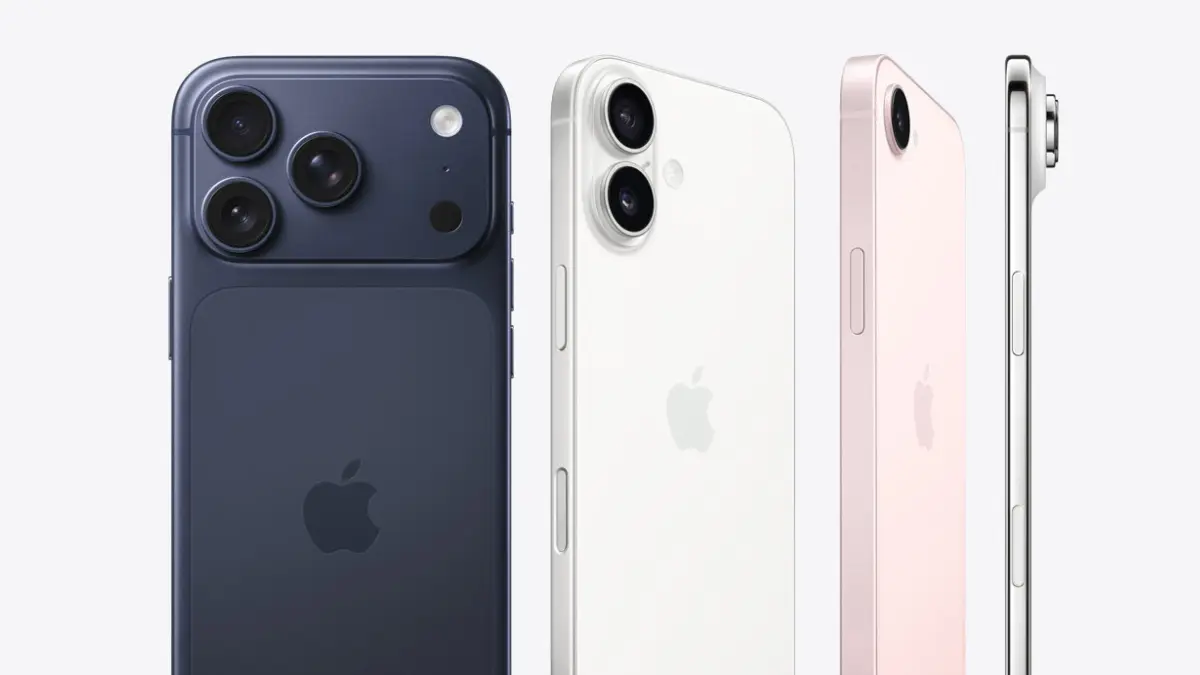


If you’ve been putting off that “Software Update” notification, today is the day to stop. Apple has just released iOS 26.4.2 and iOS 18.7.8, and while they might look like minor “bug fix” updates, they address a privacy vulnerability that is anything but small. For the first time, we have clear evidence that even “deleted” messages on your iPhone weren’t actually gone—and the FBI has already been using that to their advantage.
The “Notification Leak” Explained iOS 26.4.2
At the heart of this update is a fix for a serious logging issue. For years, users of encrypted apps like Signal and WhatsApp relied on “disappearing messages” for total privacy. However, a flaw in the iOS Notification Service meant that even when a message vanished from the app, a snippet of it was often stored in a hidden internal database on the iPhone.
Also Read: Agentic Shift: OpenAI Unveils GPT-5.5 to Redefine Professional Workflows
Think of it like a shredder that destroys a document but leaves a perfectly readable photocopy in the tray. This meant your private data was being archived by the operating system itself, completely bypassing the encryption of your favorite apps.
How the FBI Exposed the Flaw
This isn’t just a theory. The urgency behind ios 26.4.2 stems from a recent federal trial. Forensic experts revealed that the FBI successfully recovered Signal message previews from a seized iPhone—even after the messages and the app itself had been deleted. Because the iPhone kept these “ghost” records in its push notification database, investigators didn’t need to break Signal’s encryption; they simply walked through the back door Apple inadvertently left open.
What These Updates Actually Do
Apple’s response with ios 26.4.2 (for newer devices) and iOS 18.7.8 (for legacy hardware) is a critical two-step security maneuver:
- Plugging the Leak: It changes how iOS handles notification data, ensuring that once a notification is cleared, the data is instantly redacted from the system logs.
- The Digital Cleanup: In a rare move, this update performs a “retroactive purge.” Once installed, it scans your device for old, inadvertently saved notification data and wipes it clean.
Expert Insight: Is Your Privacy at Risk?
While you might not be the target of a federal investigation, this flaw represents a significant risk if your phone is ever lost, stolen, or sold. “The myth of the ‘Delete’ button has been a security liability for too long,” says cybersecurity experts. By patching this, Apple is finally aligning the OS with the privacy promises made by encrypted apps.
How to Update Your Device Immediately
Don’t wait for your phone to update overnight. Secure your data manually by following these steps:
- Open Settings on your iPhone.
- Navigate to General > Software Update.
- Select Download and Install for ios 26.4.2 (or 18.7.8 for legacy devices).