


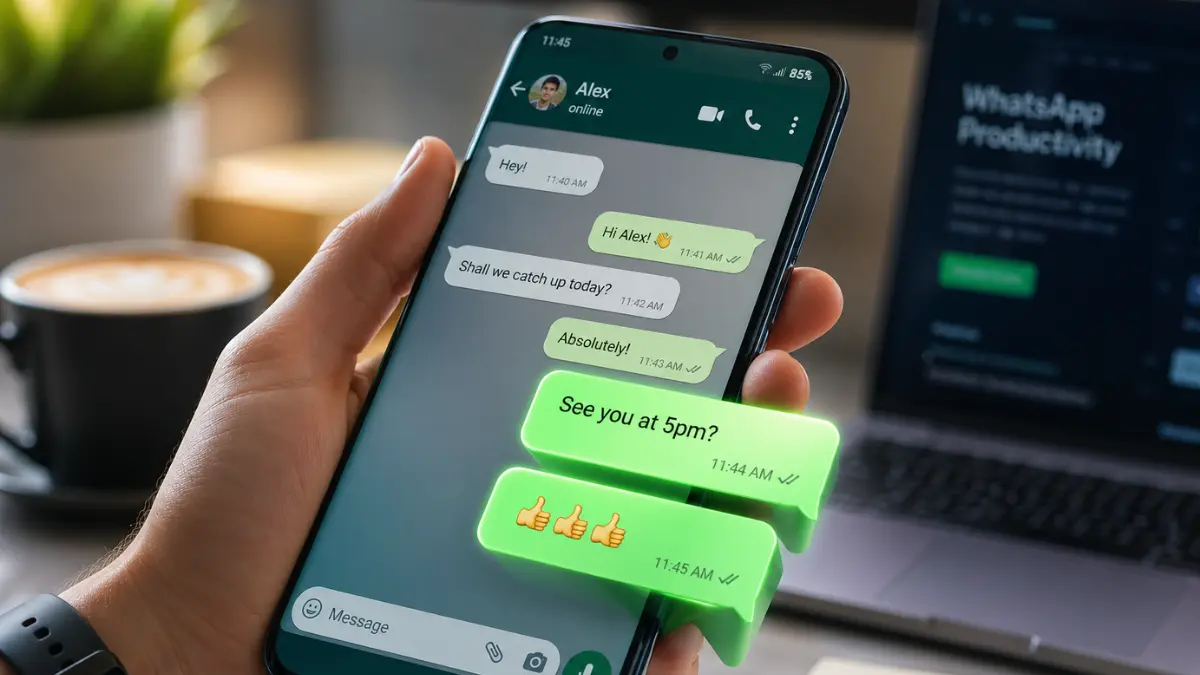


Whatsapp Notification Bubbles Feature Test: Have you ever been deep into an important email, lost in a great YouTube video, or navigating via GPS, only to have a WhatsApp message yank you completely out of your current app? It is a universally frustrating experience. Every time you switch screens to reply to a quick text, you lose your focus.
But it looks like Meta has finally heard our collective sighs.
According to recent beta testing reports, WhatsApp is quietly working on a massive quality-of-life update for Android users: Messenger-style Chat Bubbles. Here is a deep dive into what this feature entails, how it works, and why it might be the ultimate productivity booster we didn’t know we needed.
Whatsapp Notification Bubbles Feature Test
End of App-Switching Anxiety
If you have ever used Facebook Messenger, you are likely familiar with “Chat Heads”—those little floating profile pictures that hover on the edge of your screen when someone messages you. WhatsApp is adopting a very similar interface.
Currently, when you tap a WhatsApp notification, your phone forcibly switches you from your active app into the WhatsApp inbox. With the upcoming update, tapping a notification will instead spawn a floating chat bubble. Tapping that bubble opens a compact, overlaid chat window.
The result? You can read, type, and send a reply without ever leaving the app you were originally using. Once you send your message, the bubble minimizes, and you are right back to your movie, meeting, or spreadsheet.
Who Gets It and How Will It Work?
While Meta hasn’t dropped an official global release date just yet, the feature is reportedly in active development for Android devices. Here is what we know about the technical side:
- Android OS Requirement: The feature is being built around the native bubble frameworks introduced in modern Android operating systems, meaning it will likely be available primarily for devices running Android 11 and above.
- System Integration: Because it relies on Android’s native API, how these bubbles look and behave might vary slightly depending on your phone’s manufacturer (e.g., Samsung’s One UI vs. Google’s Pixel UI).
- Customization: It is expected that users will have the ability to toggle this feature on or off in the settings, ensuring that those who prefer the traditional notification style aren’t forced to change.
Hidden Productivity Power-Up
At first glance, a floating icon sounds like a minor aesthetic tweak. However, for anyone who uses WhatsApp for business or heavy daily communication, the workflow implications are massive.
In the modern workplace, “context switching”—the act of jumping between different tasks and apps—is a known productivity killer. Every switch breaks your concentration. By allowing users to reply from a hovering window, WhatsApp is transforming from a disruptive notification into a seamless multitasking companion.
Also Read: Meta Breaks Tradition: ‘WhatsApp Plus’ Subscription to Offer New Level of Personalization
Freelancers, remote teams, and small business owners who manage clients via WhatsApp will be able to fire off quick replies during live Zoom calls or while reading through documents, vastly improving response times and reducing digital friction.
WhatsApp vs. The Competition: Closing the Gap
WhatsApp isn’t the first bubble party. In fact, it is stepping into territory long held by its rivals:
- Facebook Messenger: The pioneer of the floating chat, Messenger offers a highly refined bubble experience. But since WhatsApp is the primary daily driver for billions worldwide, bringing this feature to WhatsApp has a much broader global impact.
- Telegram: Telegram has supported chat bubbles for a while, but users often note that they can be a bit sluggish or lack customization.
If WhatsApp can execute this update with its signature speed and lightweight performance, it could easily outshine Telegram’s implementation and close the multitasking gap entirely.
Final Thoughts
We are living in an era where our smartphones are our mobile offices, entertainment centers, and primary communication tools all rolled into one. Any update that allows us to do two things at once without friction is a huge win.
While we await the official rollout, one thing is clear: WhatsApp is shifting its focus from just connecting people to making those connections as seamless as possible.